
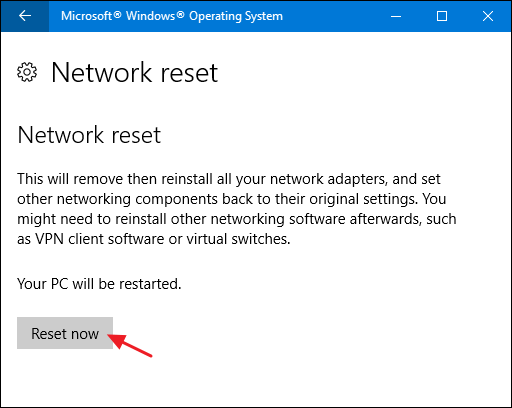
Overtime, settings on your PC can get jumbled, crisscrossed, and just down right annoying. This is true with network settings as well. If you’re having difficulty connecting, or just a plain ol unreliable connection, try the following. It’s a good option to try, before typing in, “fix my pc near me” into your search engine on your phone. It’s called a Network Reset. It will remove and reinstall your network adapters and set other networking components back to their original settings. The whole process should take less than 10 minutes.
- In Windows 10, bottom left, in search, type in NETWORK RESET.
- Click on NETWORK RESET to open the app, then click on RESET NOW.
 Shaw's Place Computer Repair