
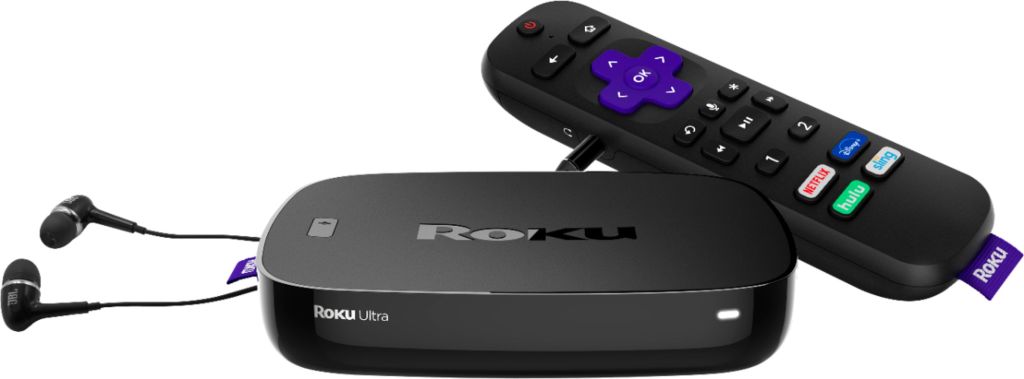
Streaming is all the rage these days, & with the pandemic at hand, it’s streaming is at an all time high. What’s the best streaming device? There are several to choose, but I go with the Roku Ultra device. Why? Well, first off, whatever you choose, the features from device to device are virtually the same, some with subtle differences. I choose Ultra Roku because it has screen mirroring, which allows me to cast what’s on my phone or laptop to my tv, via the Roku. It also has a USB port, which allows you to plug in a flash drive, which can be loaded up with movies, in certain formats, mostly mp4, or mkv, will be playable, music, and pictures. It’s a media hub. I choose Roku Ultra, because it’s fully functional. Before you call a computer technician home service guy, you should know that the Roku Ultra is very easy to set up, and very easy to use. Thanks for stopping by. Take care. Stay safe.
 Shaw's Place Computer Repair